

Step 1.
Template or Start Fresh
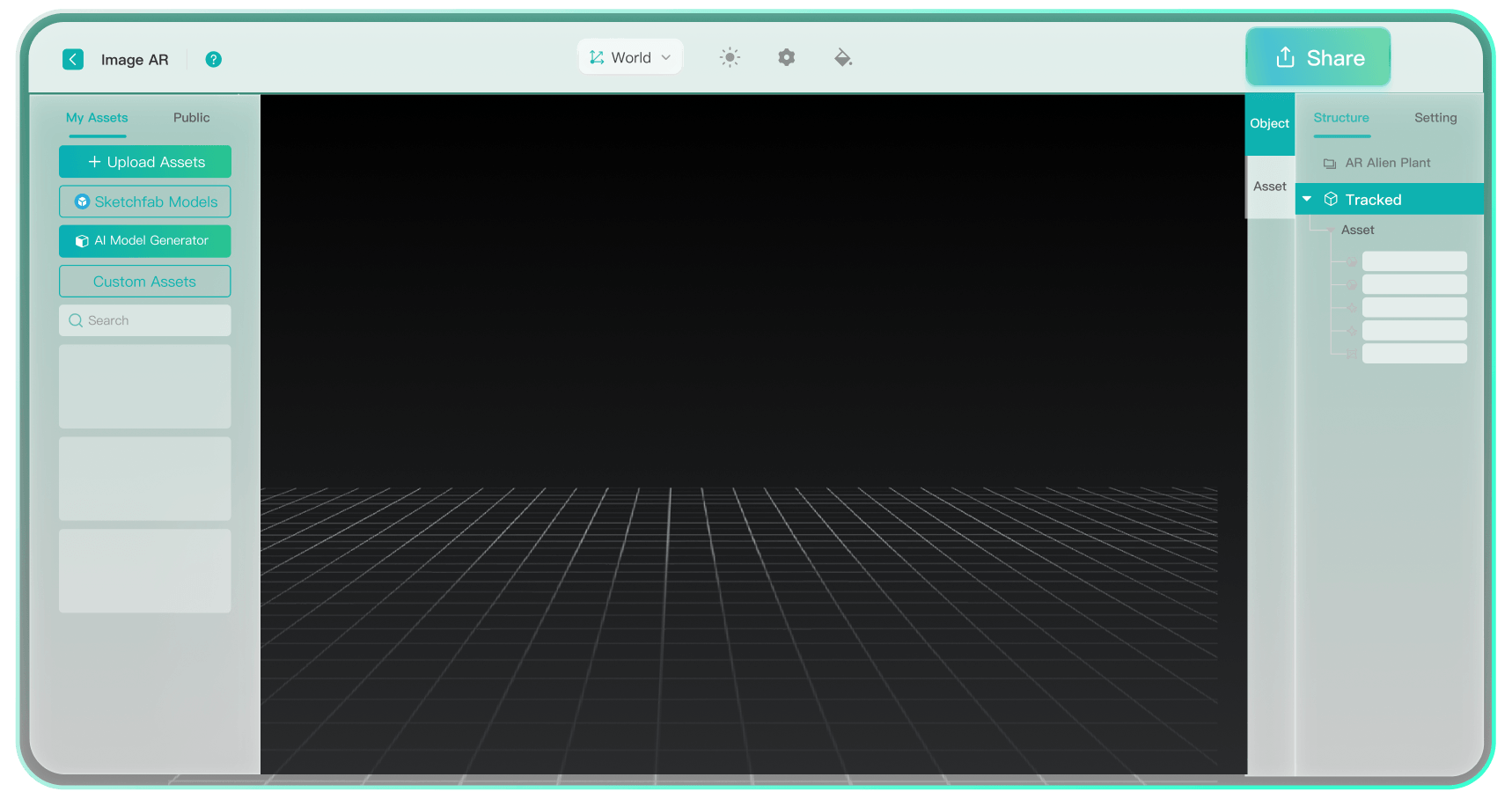
Sign up for free, then choose a ready-made template or start from scratch.

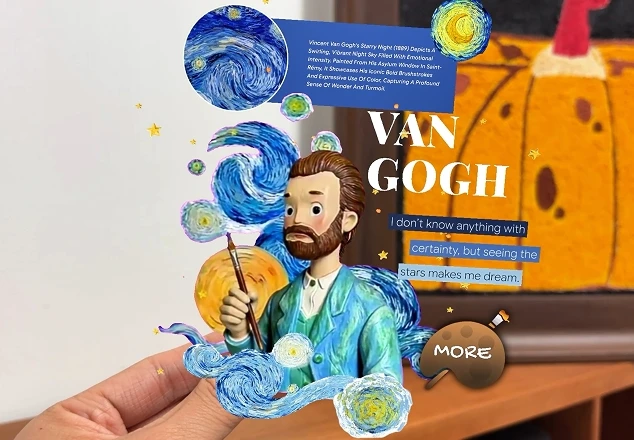
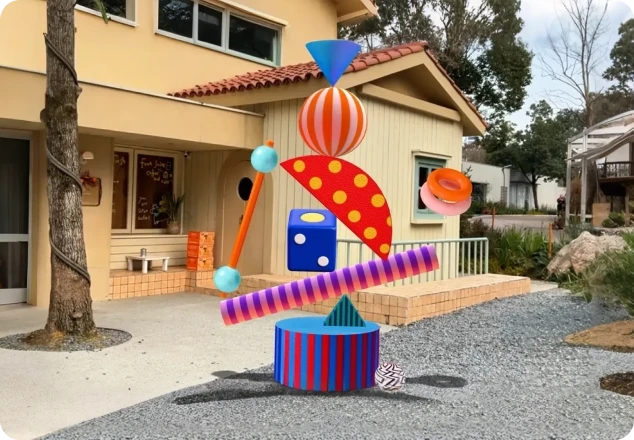
Explore templates and real-world AR campaigns for fresh ideas and creative inspiration.


Build and share your creation quickly through WebAR.
Sign up for free, then choose a ready-made template or start from scratch.
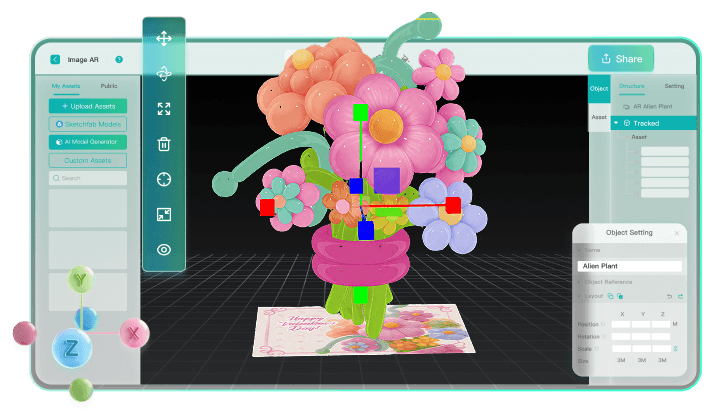
Add images, 3D models, or videos with drag-and-drop editing. Set interactions and personalize your AR experience.
Share your creation through a link or QR code. Anyone can experience it through a browser without an app.
Create augmented reality free online. Everyone gets 2 free projects to start. Claim our AR website free trial now!
Discover what makes Kivicube the best augmented reality platform and how we outperform others.
Flexible plans for every augmented reality need, from personal projects to enterprise AR solutions.
For individuals. Get started with Kivicube AR website free editor. Two free projects and essential tools are included.
For individuals. Unlock more augmented reality projects and features, with options to buy extras.
For small to mid-sized teams. Includes more scans, recognition, storage, and advanced features. Commercial use permitted.
For enterprises. Enjoy custom AR service with unlimited scenes, global CDN, dedicated support, and commercial usage rights.

Augmented reality in retail and e-commerce brings interactive virtual try-on, furniture placement, and 3D product viewing experiences. Kivicube partnered with thousands of brands to boost engagement and sales.

View products from every angle with realistic detail.

See clothes, jewelry, and other products on you with virtual try-on.

Place virtual furniture in real space to see fit and style.
Partnered with thousands of global brands, Kivicube web-based augmented reality service brings real value.


Get started quickly with video tutorials for our web-based augmented reality builder.



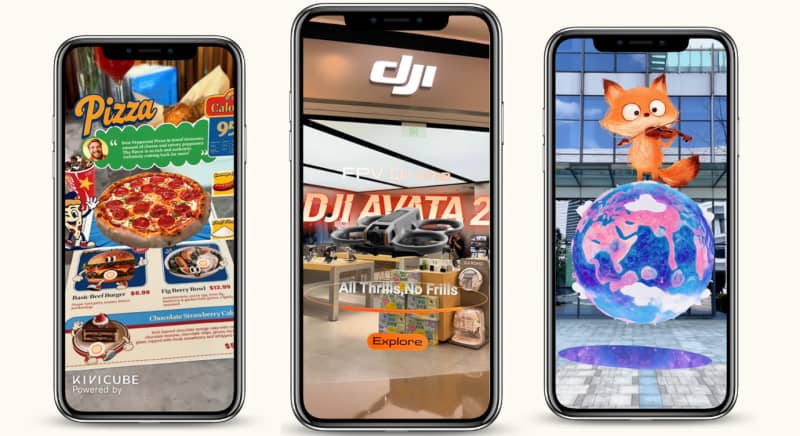 Use Cases
Explore the 17 augmented reality applications across different industries and find the best WebAR platform for high-quality AR creation.
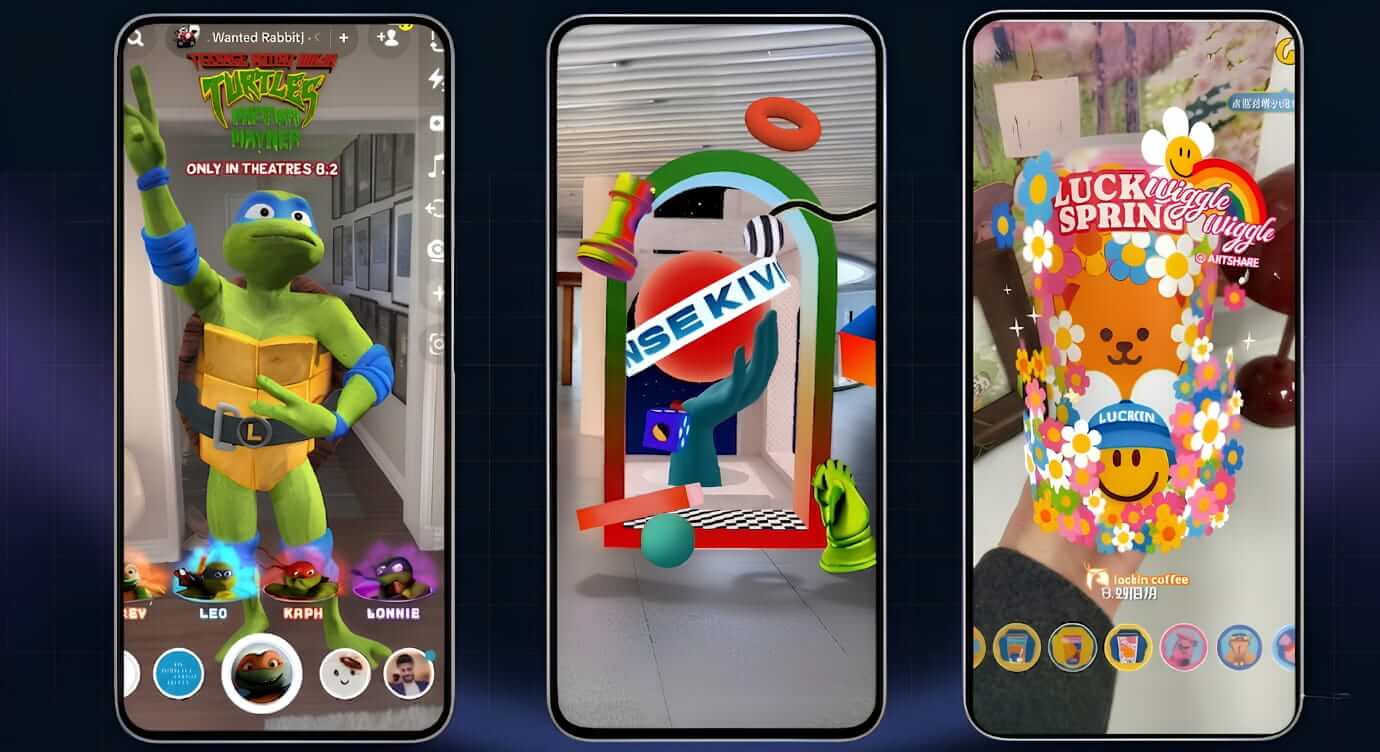 Use Cases
Explore 20 real-world web-based AR examples across industries and get a webAR solution for easy AR creation.
 How to
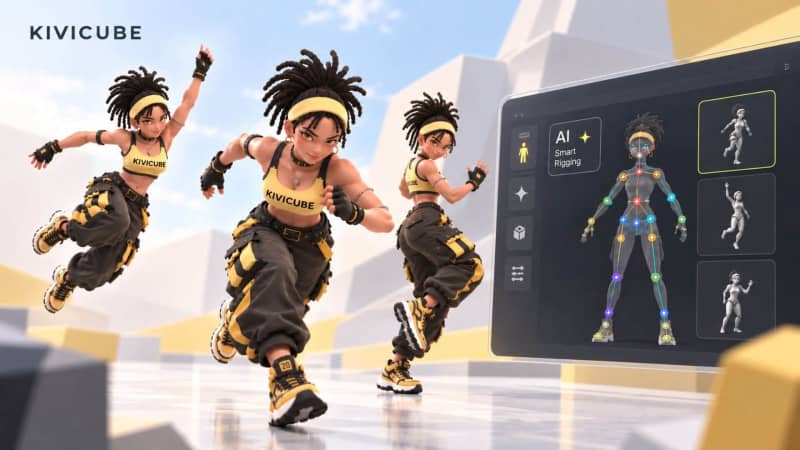
Learn how to make 3D animation for AR creation easily. No complex manual rigging, anyone can animate characters in 3D.
Augmented Reality (AR) is a technology that overlays virtual content like 3D models and animations into the real world in your camera view. Unlike Virtual Reality (VR), which creates a fully digital environment, AR enhances your physical world by adding interactive digital elements on top of it.
WebAR is augmented reality that runs directly in your web browser. Unlike app-based AR, which requires downloading a separate application, WebAR platforms like Kivicube deliver immersive experiences instantly through a QR code scan or a single link, right in Chrome, Safari, and other browsers.
The main difference between AR and VR is how they blend with or replace the real world. Augmented reality overlays digital content, such as 3D models and animations, onto your real-world surroundings, while virtual reality immerses you in a completely virtual environment, replacing the physical world with a digital one. In short, AR enhances reality, while VR creates a new one.
The main difference between Web AR and App AR is how users access the experience. Web AR runs directly in a web browser, allowing users to access AR experiences without downloading an app. App AR requires users to install a dedicated mobile application before accessing AR features.
Kivicube is a web-based augmented reality platform that lets anyone create, customize, and publish immersive AR experiences without programming skills. With an intuitive augmented reality builder and support for interactive 3D content, Kivicube makes it easy to bring augmented reality ideas to life and share them through a simple link or QR code.
Kivicube's WebAR solution supports nearly every industry and entertainment need. From retail try-on and marketing campaigns to education, art, and tourism, whatever your field, Kivicube has you covered.
No. Kivicube is a 100% no-code AR platform. Everything is built around drag-and-drop. Just upload your assets or generate them with KiviAI, and arrange them visually. No programming skills or technical background are needed throughout creation, sharing, and viewing experiences.
Yes! You can use our AI AR agent to vibe code augmented reality experiences through natural language prompts. Kivicube launched the world's first AR agent to help anyone embrace augmented reality without tech barriers.
Kivicube serves as an augmented reality tool that meets all needs. It supports various AR tracking types, including image, world, body, face, landmark, 3D object, rotation, and more. Whatever you want to build, Kivicube has the tracking to match.
Yes, you are welcome to contact us for customization solutions. Through our partnerships with leading brands like Ingka, L'Oreal, and Ulysse Nardin, we have gained proven experience across the US, Europe, and other global markets. Kivicube delivers professional augmented reality services and fully tailored AR scenes that you can easily embed into your website, app, or e-commerce platforms.